No code website builder
No Code Website Builder for a Custom Site
Playcode is a no code website builder for people who want a custom site without learning a visual canvas or writing code. Describe the site, review the generated pages, refine text and layout in chat or visually, then publish with included hosting. Paid plans add custom domains and code export; full-stack Cloud limits are separate.
AI credits included to start. No credit card required.
Playcode platform scale
Account and project counts describe the whole Playcode platform. They do not prove a website outcome, ranking, or uptime.
How the No Code Website Builder Works
Describe the job, review the result, then publish and verify it.
Describe the site and required action
Name the pages, intended visitor action, content owner, and assets you can use.
Answer follow-up questions so the draft has a clear scope before the build begins.
Review and refine the result
Inspect the copy, links, forms, and responsive preview. Refine text and layout in chat or visually where the interface supports it.
Check every important state yourself, including empty forms, errors, navigation, and mobile widths.
Publish, connect, and smoke-test
Publish to the included Playcode subdomain. Paid plans can connect a custom domain after DNS setup.
Open the published URL and verify HTTPS, navigation, forms, and responsive behavior before sharing it.
Published preview is ready for review
Edit Without Writing Code
Select supported text, colors, images, and layouts visually, or describe a change in chat. Review each result before publishing.
Select a supported element, prepare a change, and check the preview at the widths your visitors use.
Website Starting Points for Different Jobs
Choose a structure, replace example content, and verify the workflow it needs.

Property Information
Show authorized property details, rights-cleared images, and an inquiry form.

Photographer
Present rights-cleared work, service details, availability notes, and a contact form.

Studio
Publish current classes, instructor details, policies, and an enrollment inquiry.
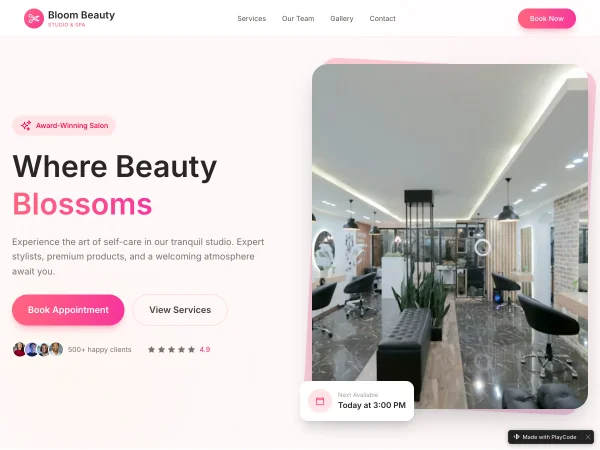
Salon
List current services, team information, policies, and a request link to the chosen provider.

Local Service
Show service areas, package details, rights-cleared work, and a contact request.
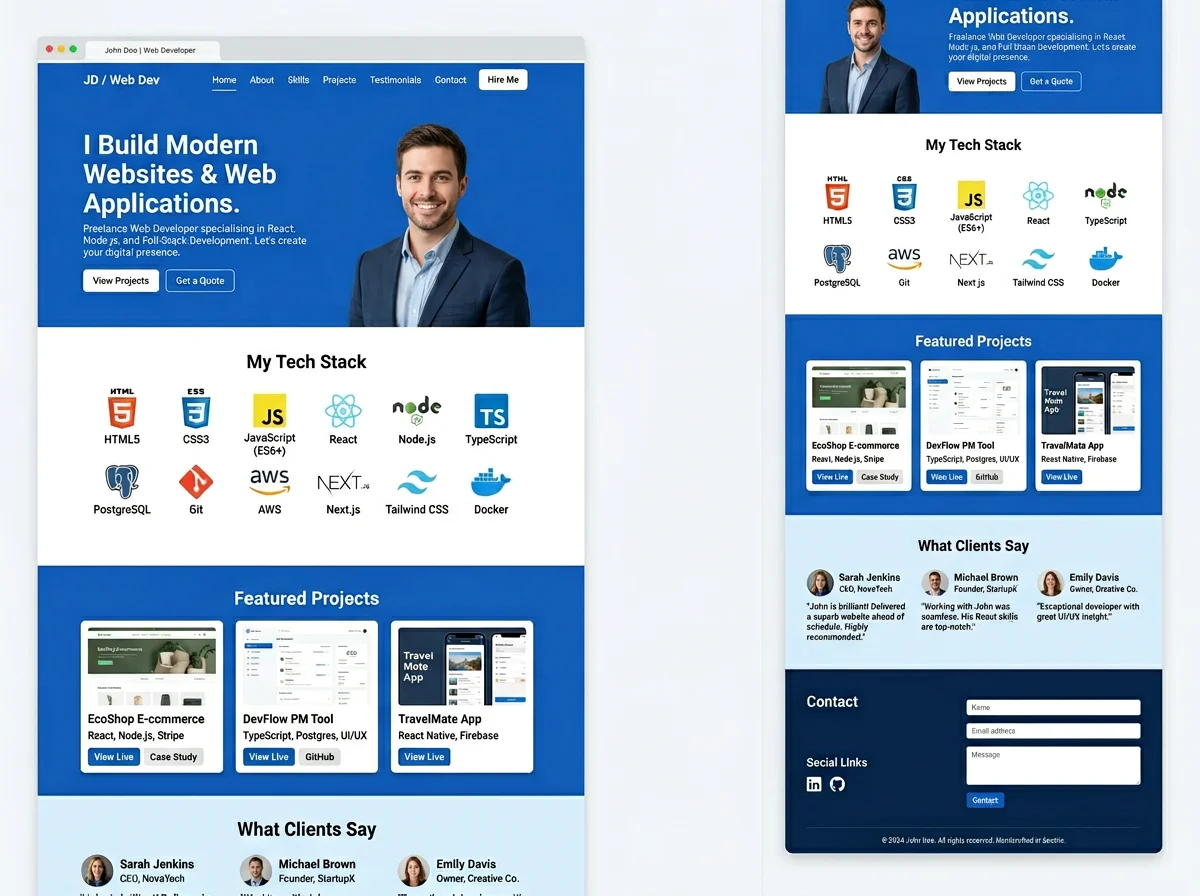
Consultant
Explain services and working terms, then collect a qualified contact request.

Course
Present the curriculum, schedule, prerequisites, and an enrollment inquiry.
Need a different structure? Describe the website job.
Publish the Website, Then Add the Workflow It Needs
Static hosting is included under current plan limits. Paid custom domains require publishing and DNS setup. Full-stack Cloud apps have separate limits.
Start with the public site. Use Playcode Cloud only when the project needs server-side behavior.
Your Project Is Real Code
Paid plans include ZIP code export. A code download does not include every live record, file, secret, domain, or provider setting. Plan those separately.
import React from 'react'

export default function Hero() {
  return (
    <main className="site">
      <Hero business="Dental Clinic" />
      <Services />
      <ContactForm />
    </main>
  )
}
Paid Code Export
Download a ZIP of the project code under the current paid-plan entitlement.
Developer Handoff
Give a developer the project code and the operating notes needed to review or continue it.
Plan the Live-Data Move
Move databases, uploaded files, secrets, domains, analytics, and provider settings as separate work.
Current Website and Cloud Plan Boundaries
Website limits and full-stack Cloud app limits are different.
Starter
Build and review a small website before choosing a paid plan.
- Save up to 3 websites
- Website hosting included
- 1 collaborator
- 4MB storage
- Trial AI credits under current eligibility
- No credit card required
Pro
Paid planAdd more AI usage, static websites, Cloud apps, and handoff options.
- 100 AI credits/month
- Unlimited static websites
- Website hosting included
- Custom domains with HTTPS after DNS setup
- Up to 3 full-stack Cloud apps
- Code export as ZIP
- Private projects
- Unlimited team members
Monthly or annual billing. Check current pricing before purchase.
How AI credits work
AI work uses credits. The amount varies by model, conversation length, and task complexity.
- Small text or style change often ~0.3-0.5 credits
- Add a page or interaction often ~2-3 credits
- Build a larger page often ~5-10 credits
Estimates vary. Check current usage and plan terms before relying on a budget.
No Code Website Builder FAQ
It is a website-building workflow that does not require you to write code. In Playcode, describe the site, review the generated pages, refine supported content and layout in chat or visually, then publish and verify the result.
No. You can describe and refine a site without writing code. You still need to review copy, links, forms, responsive behavior, domain setup, and any provider integration before sharing it.
The current Free plan supports up to three saved websites, website hosting, one collaborator, 4MB storage, and trial AI credits under the current eligibility policy. Check pricing before relying on a plan limit.
The current price is $25 per month or $250 per year, shown as about $21 per month when billed annually. Pro currently includes 100 AI credits per month. Check the pricing page for current terms.
Yes, on a current paid plan. Publish the project first, add the domain, configure the required DNS records, and verify the domain and HTTPS before sending visitors to it.
Current paid plans include ZIP code export. The download does not move live database records, uploaded files, secrets, domain settings, analytics, or external-provider configuration, so plan those separately.
You can work from a phone, tablet, or desktop. Review the responsive preview and the published site at the widths that matter to your visitors before treating the update as complete.
Use the separate Cloud product when the project needs server-side behavior, a database, uploaded files, secrets, or scheduled work. Current Pro and Business plans have separate Cloud app limits.
Still have questions? Contact us
Build the Site You Can Review and Keep Improving
Describe the job, refine the result, publish it, and verify the live workflow.
A local service site with hours and a contact form...Start BuildingAI credits included to start. No credit card required.