
The AI website builder market in 2026 is loud, fast-moving, and mostly noise. Every AI site builder produces a beautiful demo in 30 seconds. Most fall apart when you try to do anything real with them - edit a page, add a blog, plug in payments, rank in Google. The devil is in the details, and the details are buried behind sticker prices and slick landing pages.
This guide is our attempt to map the landscape honestly. We gathered current pricing (including the AI-credit fine print most don't show you), where each AI website maker came from, what it's actually good at, where it falls short, and what kind of project it's the right fit for. So you don't have to spend three weekends signing up for free trials of every AI website generator on the market yourself. (Looking for full-stack apps with a database and auth instead of a marketing site? Read our AI app builder guide, different category, different roster.)
TL;DR - best AI website builder by use case
If you only have 30 seconds, here's which AI site builder to pick based on what you're trying to do. The full rubric scores and reasoning live below.
Playcode - the only builder that ships a real, rankable site you own
Beginner-friendly, built in minutes by top-tier AI - Claude by default, or pick the exact model in Pro, with no cheap-model swaps behind your back to pad someone's margin. Unlike the rest, Playcode ships a real site that ranks on Google and that you own outright. Affordable, transparent pricing, no credit card to start. 9.6/10 on our rubric.
| Real production sites (rank in Google, scale, integrate) | Playcode· 9.6/10 · #1 overall |
| Technical founder, full-stack apps + internal tools | Replit· 7.8/10 |
| Designer who wants CSS control + clean code export | Webflow· 6.9/10 |
| Quick prototype to show your team (you'll rebuild later) | Lovable or Bolt.new |
| Already on WordPress / want WordPress flexibility | 10Web· 5.7/10 |
| Local-services small business needing a presence site | Wix AI or Durable |
| Beautiful designer portfolio or one-page marketing | Framer |
| Cheapest credible option for a single landing page | Carrd· $19/yr |
How we score each AI website builder
To make this guide genuinely useful, not just an editorial opinion, every AI website maker in this list is scored 1-10 on eleven criteria. The weighted total gives the Overall Score shown on each section and in the comparison table. The weights reflect what we believe actually matters when picking an AI website builder in 2026:
| Criterion | Weight | What it measures |
|---|---|---|
| Output quality | 15% | Real production-ready site vs. a demo that breaks under real use. |
| Full-stack breadth | 15% | Can the site grow with you - database, Stripe / payments, email, authentication, custom integrations, real backend, scaling beyond a static page. |
| AI flow | 10% | Senior-agency-style guidance (clarify, wireframe, build) vs. junior-freelancer code-dive. |
| AI model freedom | 10% | User chooses the AI model vs. locked to one (often cheap) model the vendor picks for margin reasons. |
| SEO-readiness | 10% | Server-rendered output that actually ranks in Google, vs. a single-page app Google can't read. |
| Pricing transparency | 10% | AI credit math published on the pricing page vs. discovered after subscribing and running out. |
| Hosting + infrastructure | 10% | Quality and transparency of the cloud underneath - own infra, snapshots, scaling, custom domains, vs. opaque "managed somewhere." |
| Code export | 7% | Can you leave with your work, or are you locked into the platform. |
| Focus | 5% | Is AI website building this company's main product, or a feature bolted onto a hosting / domain / template business. |
| Free tier value | 5% | Real free option you can use, vs. a 14-day-trial-then-pay funnel. |
| Track record | 3% | Years on the market + reliability. How likely is this product to still exist and be supported in three years. |
Honest scoring caveat: Playcode is the product we built, and we publish this guide. We score Playcode using the same rubric we apply to every other builder. The weights reflect our editorial position about what matters; the per-criterion scores are the measurement. If you disagree with the weights, the per-criterion scores let you re-weight on your own. This guide is reviewed quarterly; new builders are added as the category evolves.
Side-by-side: 13 AI website builders at a glance
Pricing and feature data verified May 2026 across every AI site builder in this comparison. The AI / credit limit column is the one most competitors hide, see the dark-pattern callout below.
| # | Builder | Score | Best for | Starting price | AI / credit limit | Custom domain | Code export |
|---|---|---|---|---|---|---|---|
| 1 | Playcode | 9.6 | Real, rankable, scalable sites | $21/mo annual | Transparent | Yes, all plans | Yes, full |
| 2 | Replit | 7.8 | Technical users, full-stack apps | $20/mo | Effort-based credits | Paid Core+ | Yes, full IDE |
| 3 | Webflow | 6.9 | Designers wanting CSS control | $15/mo | Undisclosed | Basic+ | Yes (HTML/CSS/JS) |
| 4 | Lovable | 5.9 | Quick prototypes, hot brand | $25/mo | 100 credits/mo (~20-30 prompts) | Pro+ | GitHub (locked stack) |
| 5 | 10Web | 5.7 | WordPress lovers | $10/mo (annual) | Undisclosed | Paid only | Yes (WordPress) |
| 6 | Bolt.new | 5.3 | Internal demos, fast prototypes | $25/mo | 10M tokens/mo (burns fast) | Pro+ | Yes (Stackblitz) |
| 7 | Squarespace AI | 5.2 | Polished templates, service biz | $16/mo | Undisclosed | Paid + annual | No |
| 8 | Carrd | 5.1 | Single-page sites, link-in-bio | $19/year | No AI | Pro tier | No |
| 9 | Framer | 5.1 | Designers, portfolios | $5/mo (annual) | Undisclosed | Paid tiers | No |
| 10 | Durable | 4.8 | Local biz, 30-second sites | $15/mo (annual) | 50 imgs + 1k msg/mo | Paid only | No |
| 11 | Wix AI | 4.6 | Generalist small-biz sites | $17/mo | Undisclosed | 1yr free, then $15+/yr | No |
| 12 | GoDaddy Airo | 4.0 | GoDaddy domain owners | $9.99/mo | 50-750 credits/mo | Paid only | Limited |
| 13 | Hostinger AI | 3.5 | Budget shoppers | $2.99/mo* (renews $10.99) | 5 credits/mo (!) | Free 1yr w/ annual | No |
The credit math nobody discloses
Every AI website builder advertises a sticker price ($15-25/month). Most never tell you, on the pricing page, how many AI messages or credits you actually get for that. Wix, Framer, Webflow, Squarespace, and 10Web don't surface a number at all - you only find out after you've subscribed and started running out. Hostinger gives you 5 credits per month at their $2.99 promo price, then jumps to $10.99 at renewal. Lovable's $25/mo plan is 100 credits - roughly 20-30 real prompts before you're paying for top-ups. Bolt's 10M tokens sound generous until a project chews through them in days.
We list our credit math publicly. The rest leave it as a surprise.
Playcode - The Senior Agency Flow, Not Junior-Freelancer Code Diving
Overall score 9.6 / 10Ranked #1 by rubric
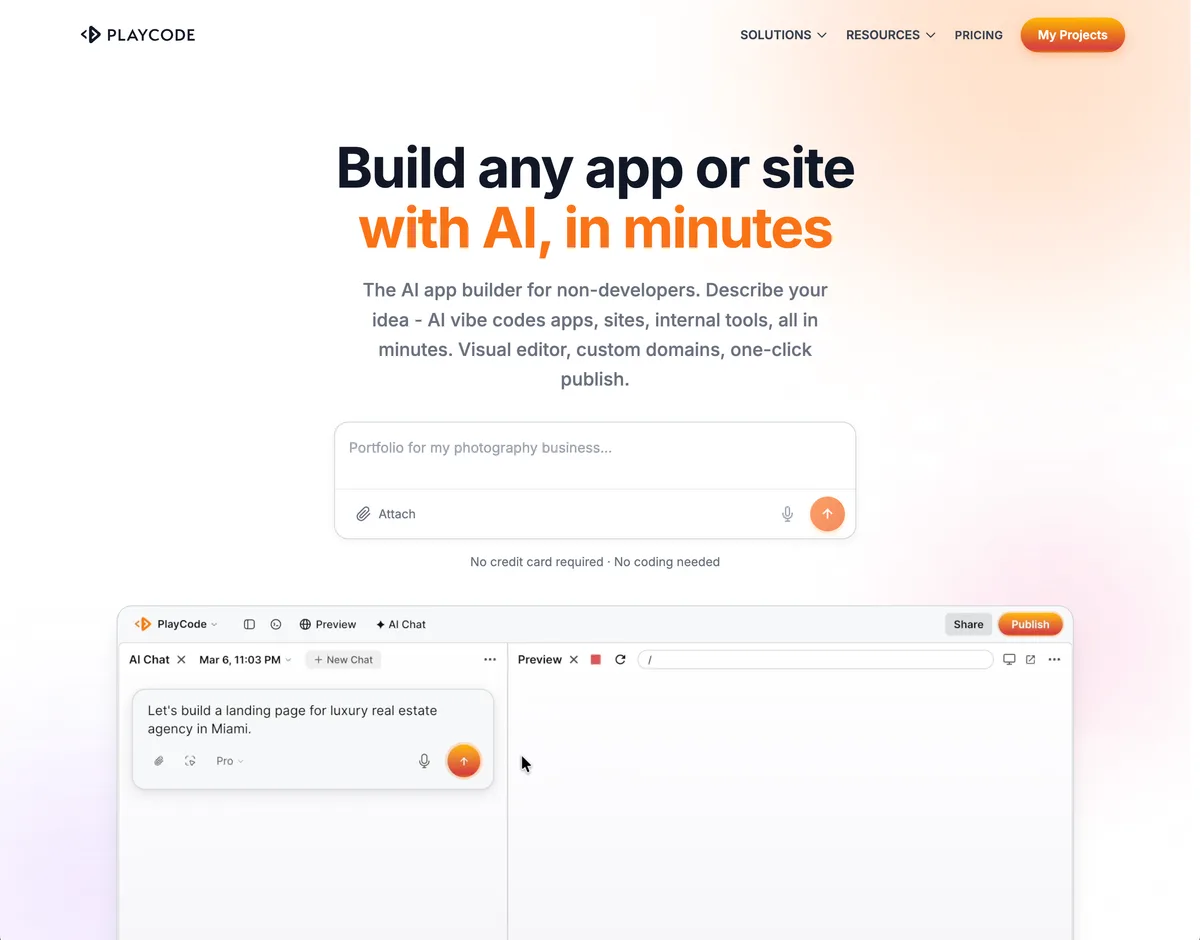
Playcode is the only builder in this list that gives you both ends of the spectrum: dead-simple onboarding (describe your idea in plain language, get a working site in minutes) AND a real production stack underneath that you can grow into a serious business application without ever switching tools. Most competitors give you one or the other - usually a polished demo you outgrow in a month.
The AI behaves like a senior agency, not a junior freelancer who dives straight into code from a one-line prompt. It clarifies what you actually want, proposes a site map, sketches wireframes, lets you steer the design direction - then builds. The work order comes before the work.
What's under the hood is where Playcode separates from template builders. The output is real project code you can inspect, edit, export, and connect to normal services. For data-heavy apps, Playcode Cloud is the built-in backend and persistent-storage layer for production apps on current paid Cloud plans. It gives you database, files, jobs, WebSockets, HTTPS, snapshots, and rollback without making Firebase or Supabase the default path. Bring third-party services such as Stripe, auth providers, or email services when the project needs them. Custom domains are included.
And the part that genuinely matters once you've used a few of these tools: Playcode keeps the lock-in surface smaller than template platforms. The website code is ordinary project code, and external services you connect remain normal external services. Export the project, inspect it, and move it into your own workflow when you need to. Compare that to Wix / Squarespace / Durable-style platforms, where the site mostly lives inside the builder. For full-stack apps, verify the current export and backend path against the project you are building before making a platform decision.
Server-rendered output by default, so the site actually ranks in Google. Most AI builders ship single-page applications that Google has a hard time crawling - meaning the site you built will never show up in search. Playcode-built sites do.
On AI: every other builder locks you to one model and hides which one (usually a cheap default they quietly use to keep margins healthy). Playcode defaults to Claude - the best general model for code - and lets you change it. Economic mode for speed, Pro mode where you pick the exact model (Claude, GPT, Gemini - whichever is genuinely best for the job). No silent downgrades.
On pricing - the darkest non-transparent corner of this category - we publish credit costs in plain numbers. Every competitor lists a sticker price ($15-25/month) and quietly burns through your credits without telling you how many you have or what each generation costs.
Verdict. Start simple, keep ownership, and grow into more serious workflows without being trapped in a template platform. Playcode is strongest when you want an AI agency-style build flow, visual editing, custom domains, SEO-friendly output, and a path toward real integrations.
Best for: Entrepreneurs and small businesses who want one tool that takes them from idea to a real, scalable, rankable site. Starting price: $21/month billed annually or $25/month billed monthly. Start: no credit card required. Code ownership: real project code you can inspect and export.
Pros: simple onboarding that scales into serious production workflows · senior-agency AI flow (clarify, wireframe, build) · connects to real integrations (Stripe, Auth, email, custom APIs) · lower lock-in than template platforms · SEO-friendly output · included publishing and custom domains · choose your AI model · transparent credit pricing.
Cons: newer brand than Wix or Squarespace · smaller template library than mass-market builders (we trade templates for actual flexibility).
Replit - The Technical User's Full-Stack AI
Overall score 7.8 / 10Ranked #2 by rubric
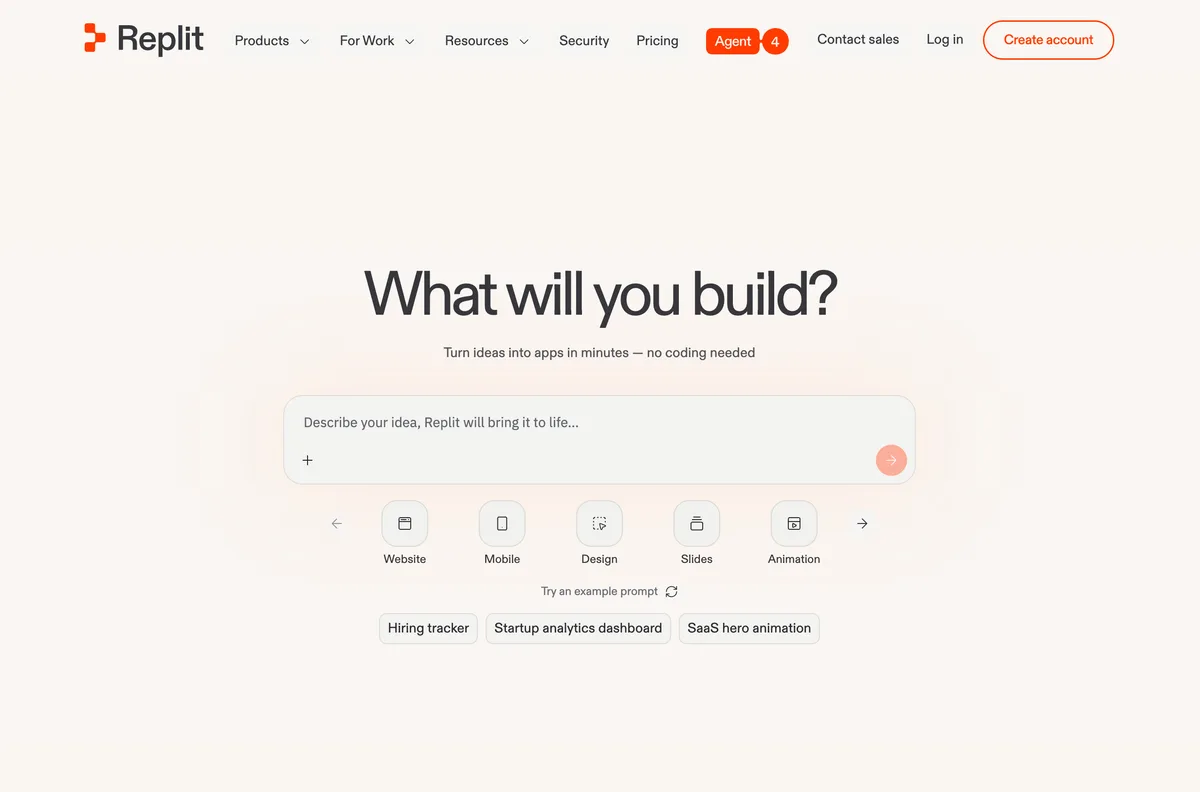
Replit has been a developer-focused product its entire life: a browser-based IDE where engineers write, run, and share code. Recently they've pushed hard into the AI-app and full-stack territory, with Replit Agent generating real backends, real frontends, and real deployments from natural language. It's one of the more technically serious entries in this list.
The honest catch: it's still very much a tool for technical users. The interface assumes you know what a server is, what an API is, what Cloud Run does. Founders who already think in technical terms love it. Non-technical small-business owners get lost fast - the abstractions Replit exposes (deployments, secrets, packages, IDE panels) are not the abstractions someone who just wants a website thinks in.
Where Replit has gone hard in 2026: enterprise and internal tools. They're positioning Replit Agent as the way for technical teams inside companies to ship internal apps. It's the right move for them - their natural audience is technical, and internal tools is where technical buyers spend money.
On pricing, Replit is actually the clearest in this entire list about credit math. Effort-Based Pricing means you see dollar-denominated credits, a usage dashboard, a budget cap, and 1-month rollover. Other AI-first builders should copy this.
Verdict. Excellent choice if you're a technical founder or an engineer in a company building real apps and internal tools. Wrong tool if your goal is a marketing site for your local business and you don't know what a Postgres database is.
Best for: Technical founders, engineers, internal-tools teams. Starting price: $20/mo Core. Free tier: Yes, Starter, daily Agent credits with monthly cap. Code export: Yes, full code in the IDE.
Pros: real full-stack output you own · clearest credit math in this list · serious investment in AI Agent · strong fit for technical and enterprise buyers.
Cons: assumes technical fluency you may not have · interface is an IDE, not a builder · not a fit for non-developer small businesses · effort-based credits can surprise on long runs.
Webflow - Same Story as Wix, Better Code Output
Overall score 6.9 / 10Ranked #3 by rubric
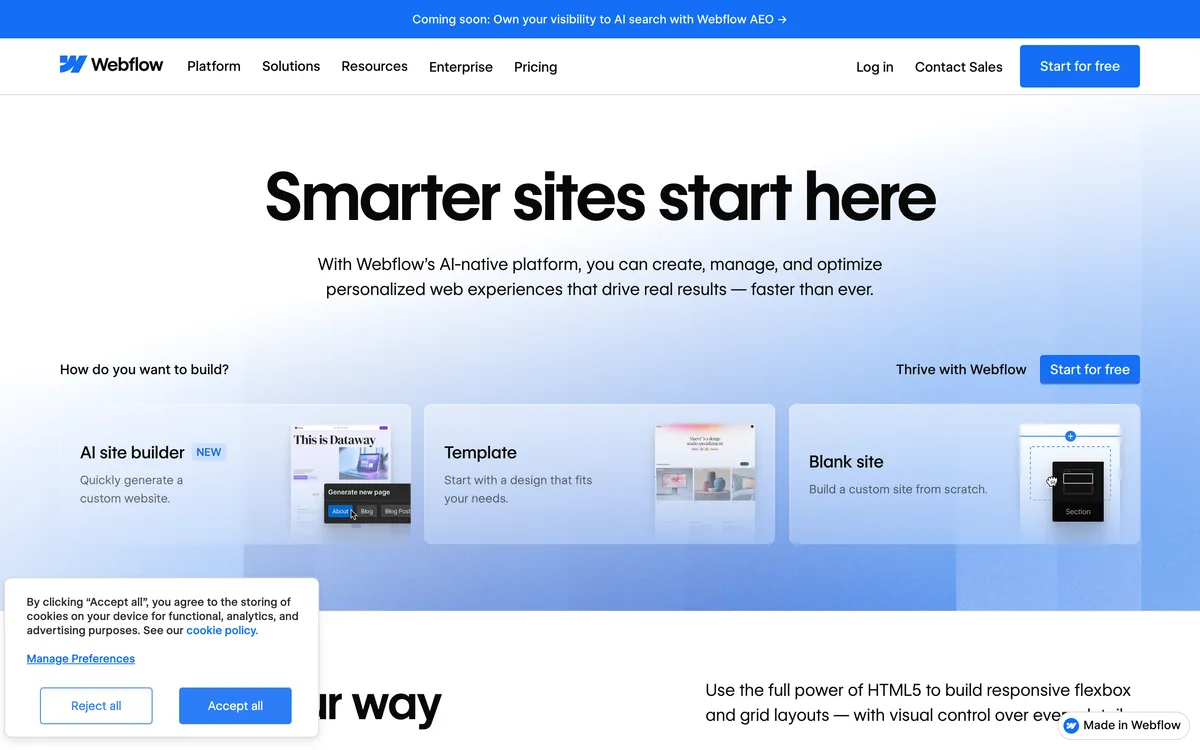
Webflow has roughly the same story as Wix: an established visual site builder that's been around for years, focused on small-business and simple sites, with AI features bolted on more recently. The difference is Webflow caters to designers who want CSS-level control - the visual editor is genuinely the most powerful in this list, and unlike Wix you can export real HTML/CSS/JS code.
Webflow does try to be more ambitious than a pure site builder - they've added a CMS for dynamic content, basic CRM features, and recently AI assistance for content and structural choices. In theory you can build complex products on Webflow; in practice their bread-and-butter is small-business sites of 5-20 pages where a designer takes a Figma file and rebuilds it on Webflow's grid.
Like Wix, they're masters at promotion: huge marketing spend, aggressive SEO, paid partnerships. They show up everywhere because they pay to show up everywhere - not because the product is uniquely strong against the new AI-first generation.
The trade-off: powerful but complex. Webflow has a steep learning curve and zero AI guidance through the actual design process. If you don't already know what your site should look like, Webflow won't help you figure it out. The AI features added recently are basic compared to what AI-first builders do.
Verdict. Pick Webflow if you're a designer who wants CSS-level control AND clean code export. Skip if you want the AI to make real product decisions or if you're not willing to invest weeks learning the tool.
Best for: Designers and agencies who want CSS control with code export. Starting price: $15/mo Basic (annual). Free tier: Yes, webflow.io subdomain, 2 static pages. Code export: Yes (HTML/CSS/JS).
Pros: most powerful visual editor in this list · full CSS control · clean code export · CMS for dynamic content · most transparent of the legacy players (plans clearly defined).
Cons: steep learning curve · zero AI guidance through the design process · AI features still basic versus AI-first competitors · gets expensive at scale ($25/mo Premium with CMS).
Lovable - Hot Brand, Heavy Vendor Lock-In
Overall score 5.9 / 10Ranked #4 by rubric
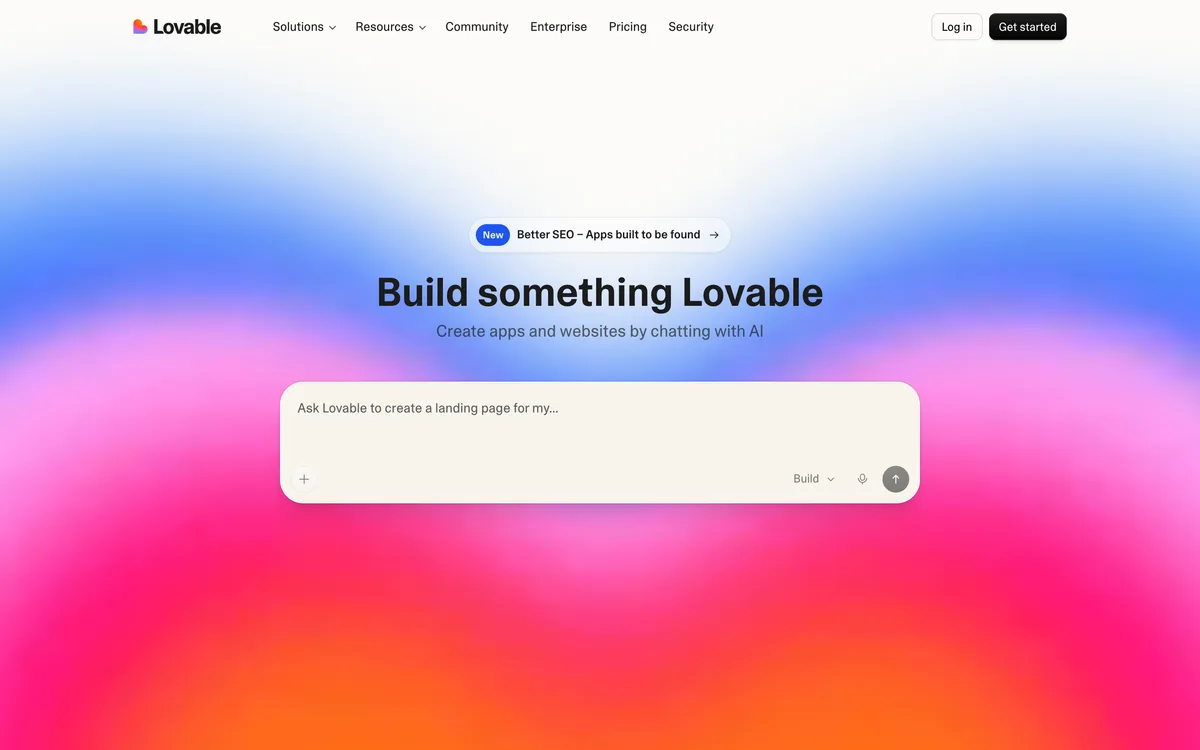
Lovable is one of the most popular AI-first builders in 2026 and a genuinely capable competitor on the front end. It generates working web apps and websites fast from natural language, and lately they've been pushing hard into internal tools and enterprise - which is where they see the bigger money.
The thing that doesn't get enough airtime: Lovable is a heavily vendor-locked platform underneath. Their "full-stack" is a forked Supabase wrapper - their own database, their own email, their own edge functions, their own "integrations" - all bound tightly into Lovable's runtime. They offer code export via GitHub, but the exported code does not realistically run anywhere else. There's no plain database to lift, no standard backend to deploy, no portable runtime - the architecture is designed to be a platform you stay on, not a project you take with you. Even technical users find that "leaving Lovable" is a rewrite, not a migration.
They also don't let you choose which AI model is generating your site, and they aggressively optimize cost on the back end. The default is a cheap model that makes more design mistakes and gets stuck in loops; occasionally they switch to a more expensive model when needed. The user has no visibility into which is running.
On credit math: $25/month is roughly 100 credits (~20-30 real prompts) plus 5 daily credits (so 150/mo effective). Power users on Reddit routinely report burning through monthly credits in 2-3 days on a serious project. Top-ups follow. (We give 100 credits at the same tier - what's different is that we publish the math and the cheap-model trick isn't happening behind the scenes.)
Lovable added SEO support in a very recent release - before that, output was effectively single-page applications that Google couldn't crawl, which silently broke their users' search visibility for months.
Verdict. Capable AI flow, recognizable brand, real momentum. The architecture below the AI is the catch - if you build something serious on Lovable, you're tied to Lovable. Acceptable if you treat it as a final platform, dangerous if you assume "code export = portability."
Best for: Prototype generation, internal tools, founders who commit to Lovable as a long-term platform (not a starting point). Starting price: $25/mo Pro. Free tier: Yes, lovable.app subdomain, limited credits. Code export: Technically yes (GitHub) but realistically locked - exported code doesn't run elsewhere.
Pros: capable AI flow · fast initial generation · code export via GitHub (technical) · recent SEO support · strong momentum / brand recognition.
Cons: heavy vendor lock-in (forked Supabase, captive runtime, exported code won't run elsewhere) · no AI model choice (cheap default behind the scenes) · 100 credits/mo burns fast · opaque hosting / backend infrastructure.
10Web - AI That Generates Real WordPress
Overall score 5.7 / 10Ranked #5 by rubric
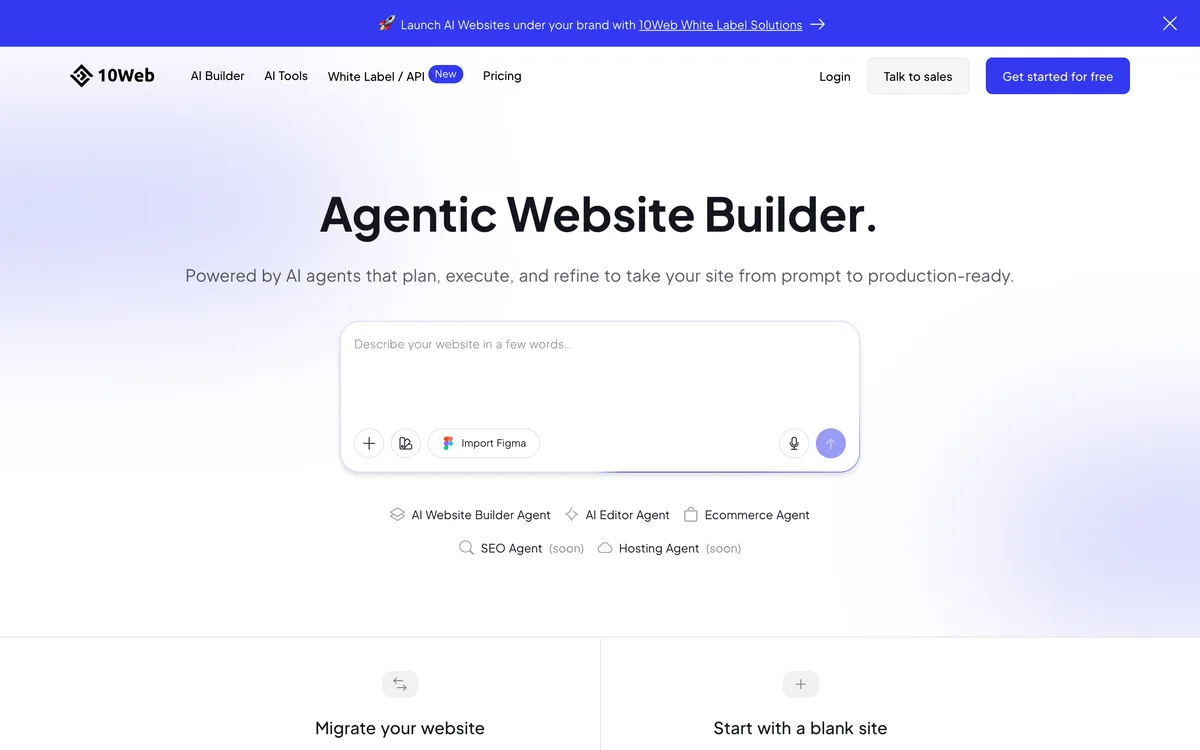
10Web's pitch is different from everyone else here: the AI generates an actual WordPress site, which you can then edit in Elementor or Gutenberg. Behind the scenes it's managed WordPress hosting on Google Cloud with the AI bolted to the front. You get the flexibility of WordPress without the setup pain of WordPress.
Strength: you genuinely own the output. Export, migrate, or self-host whenever you want. It's just WordPress. WooCommerce works out of the box. The AI handles the cold-start "I have no idea what my site should look like" problem better than most.
Weakness: it's still WordPress underneath, which means plugin management, security updates, and the maintenance tax that comes with the WordPress ecosystem long-term. The AI runs at generation-time, not as an editing partner. Once your site is live, you're back to manual WordPress editing.
Verdict. Best fit if you want to end up with WordPress but don't want to start from a blank dashboard. Skip if you're allergic to WordPress's long-tail maintenance.
Best for: Small businesses and agencies that want WordPress without the setup. Starting price: $10/mo (annual), $20/mo monthly. Free tier: No (7-day trial). Code export: Yes - it IS WordPress.
Pros: produces real WordPress you own · WooCommerce-ready · fast cold start · solid managed hosting included.
Cons: WordPress maintenance tax remains long-term · AI runs at generation only, not editing · interface clunkier than purpose-built builders.
Bolt.new - Demo Generator, Now Stretching Into Real Sites
Overall score 5.3 / 10Ranked #6 by rubric
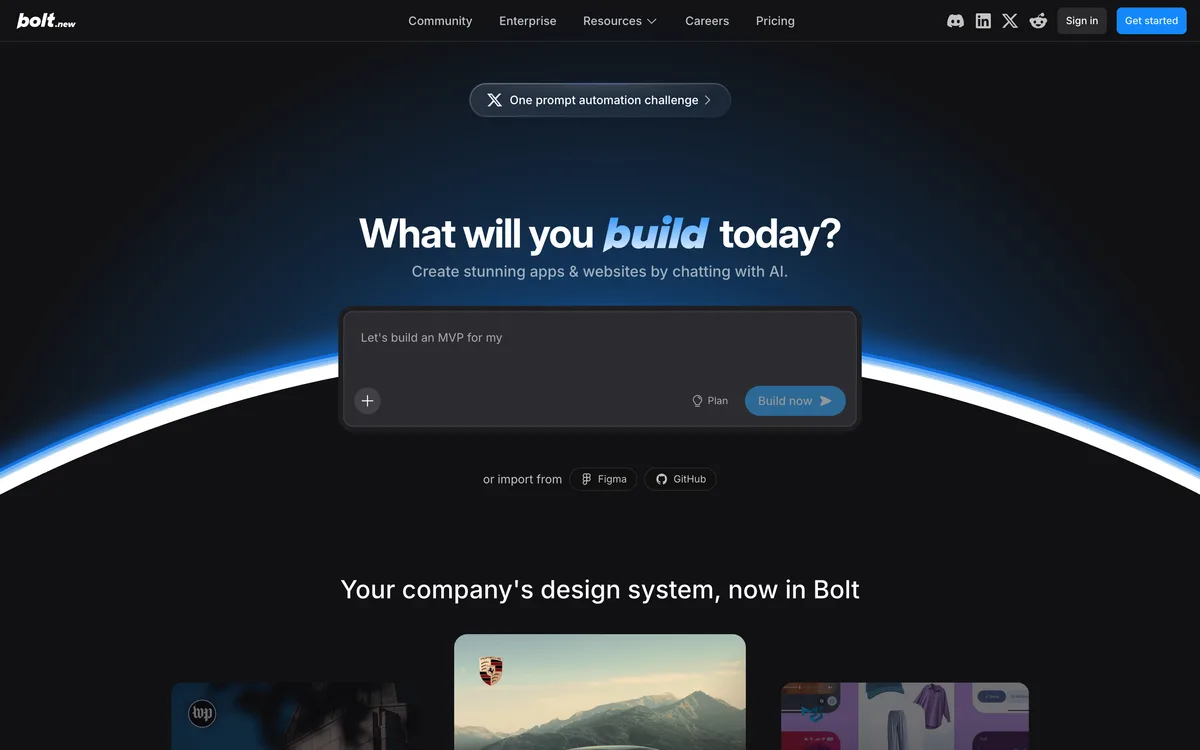
Bolt started as a developer-focused product (similar territory to Playcode in origin) before pivoting hard into AI-generated demos. The product is fast - genuinely impressive demo generation that hooked the early hype cycle. People watched Bolt produce a "complete website" in 30 seconds on Twitter and thought the AI-builder problem was solved.
Then reality set in: those impressive demos were demos. They look like products but they're single-page applications without the substance underneath - no real backend, weak SEO, prone to breaking on edits. The use case where Bolt has stayed strong is internal demos: an employee builds a quick mockup, shows it to their manager, gets buy-in for a real project. As an exploration tool inside a company it's genuinely useful.
They're now trying to push into small-business production sites, but it's not really their natural ground. And on the SEO discovery side, Bolt itself doesn't show up in Google for most relevant queries - their growth has been driven almost entirely by social hype rather than search, which limits how many of the right buyers ever find them.
Credit math: $25/month for 10 million tokens. Sounds enormous; in practice a serious project can chew through that in days because every iteration consumes input + output tokens at scale.
Verdict. Great for in-company "let me show you the idea" demos. Pick something else if you need a real site that's going to last past the demo stage.
Best for: Quick prototype demos, internal mockups inside companies. Starting price: $25/mo Pro. Free tier: Yes, 300K tokens/day, 1M/mo, Bolt branding. Code export: Yes (Stackblitz).
Pros: extremely fast demo generation · code export · genuinely useful for internal mockups · solid for technical users doing exploration.
Cons: output is fundamentally demos, not production sites · weak SEO (their sites and theirs in Google) · tokens deplete fast on real projects · low discoverability - growth is social hype not search.
Squarespace AI - Templates with AI Assist
Overall score 5.2 / 10Ranked #7 by rubric
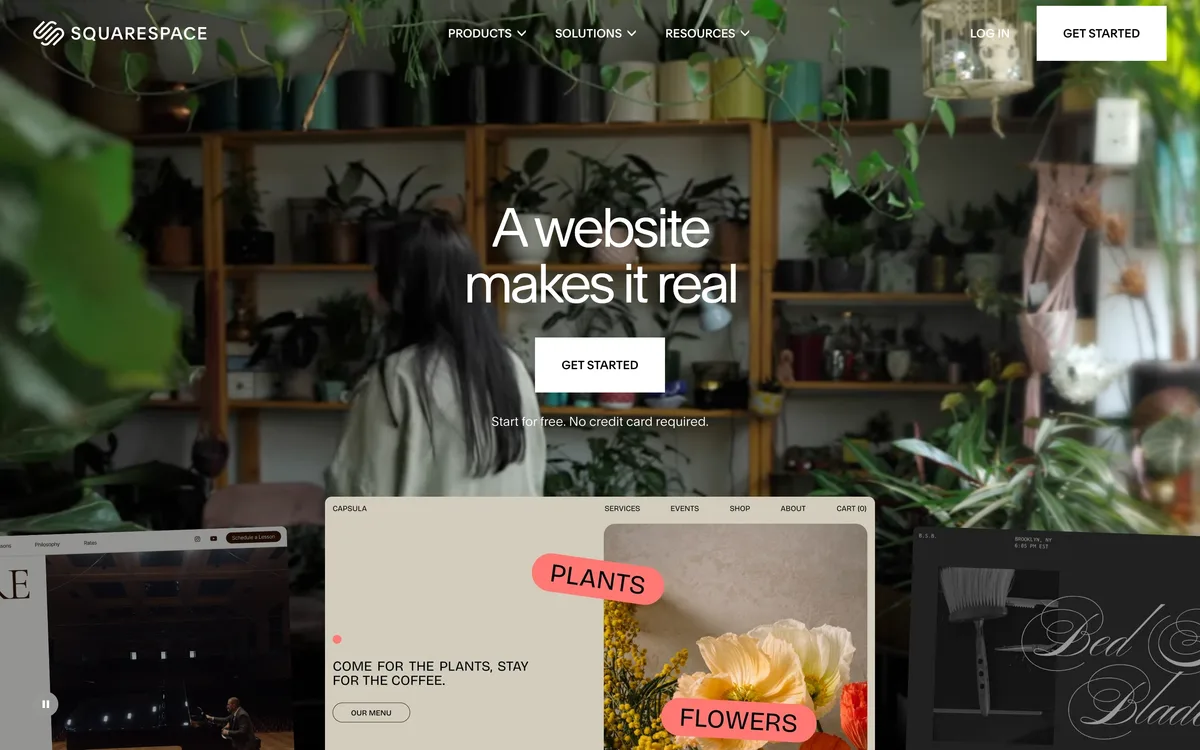
Squarespace bolted AI on top of its mature template engine. The AI helps with content (headlines, body copy, image suggestions) and basic layout choices, but the underlying product is still the same template-driven builder Squarespace has shipped for two decades. If you've ever used Squarespace before, the AI version feels like the same product with a smarter intake form.
What it does well: templates are genuinely beautiful, the platform is rock-stable, and the all-in-one model (builder + hosting + domain + email) reduces moving parts. The AI does its best work generating copy that fits a template's existing structure.
Where it falls down: the AI is content assist, not structural creativity. Sites still look like Squarespace sites - immediately recognizable. No code export (you're locked in), and pricing climbs fast for commerce features or multiple sites.
Verdict. Good for service businesses that want polish without thinking. Wrong choice if you want differentiation or expect the AI to make real design decisions.
Best for: Service businesses, small ecommerce, creatives. Starting price: $16/mo. Free tier: No (14-day trial). Code export: No.
Pros: stunning template library · stable mature platform · all-in-one bundle · strong commerce.
Cons: AI is content assist not structural · sites look obviously Squarespace · no code export · pricing climbs for commerce.
Carrd - One-Page Sites, Dead Simple
Overall score 5.1 / 10Ranked #8 by rubric
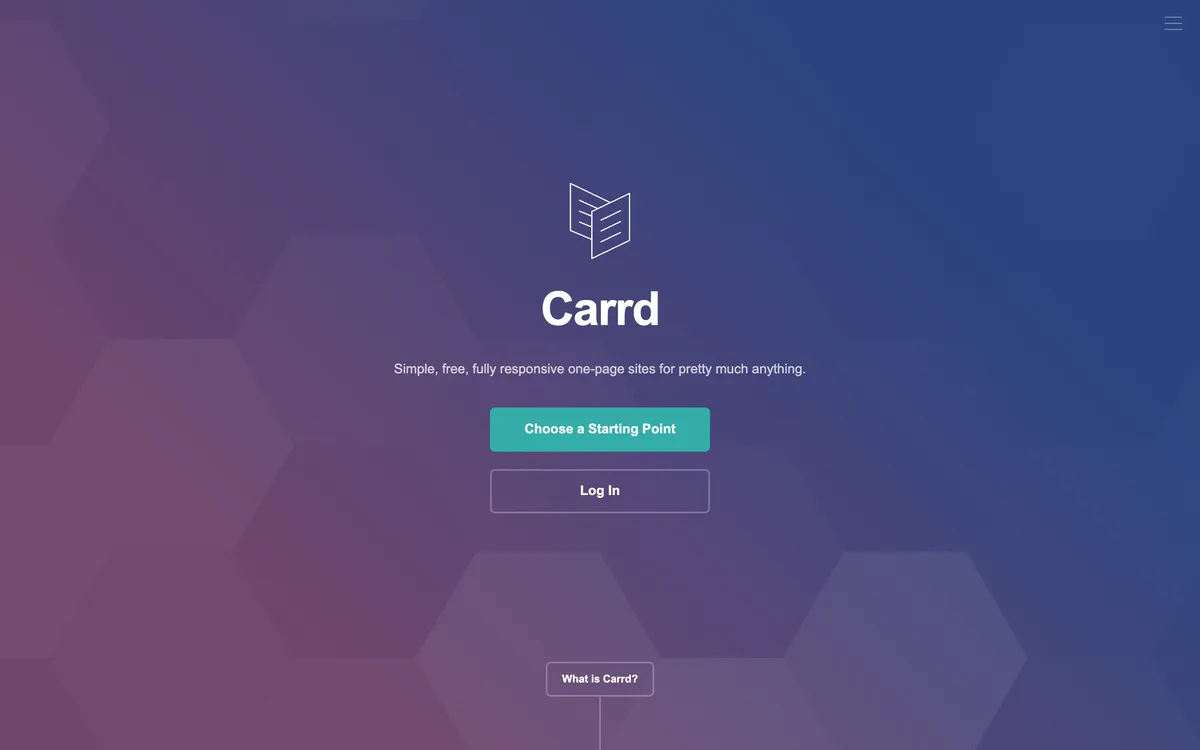
Carrd is the odd one out. It's not really an "AI builder" - it's a single-developer craft product for one-page websites, with some recent AI content-assist features. The page you're reading this on is more complex than anything Carrd can build. That's the point: Carrd does one thing (single-page sites) and does it cheaply, fast, and well.
Where it shines: link-in-bio pages, personal landing pages, coming-soon pages, simple portfolios. The free tier is genuinely usable. The Pro tier is $19/year - the cheapest paid plan in this comparison by a wide margin. Sites load fast, the platform is reliable, and the founder genuinely cares about the product.
Where it falls down: one page is one page. No blog, no multi-page navigation, no ecommerce, no complex integrations. For most businesses, you'll outgrow Carrd quickly - which is fine if you know it going in.
Verdict. Use Carrd for personal pages, link-in-bio, and validation sites. Don't use it as your main business site.
Best for: Personal pages, link-in-bio, validation landings. Starting price: $19/year Pro Standard. Free tier: Yes (3 sites, .carrd.co subdomain). Code export: Embed only.
Pros: cheapest paid option · permanent free tier · genuinely simple · fast-loading sites · craft-product care.
Cons: single-page only · minimal AI · limited integrations · you will outgrow it.
Framer - The Designer's AI Tool, Not Really a Site Builder
Overall score 5.1 / 10Ranked #9 by rubric
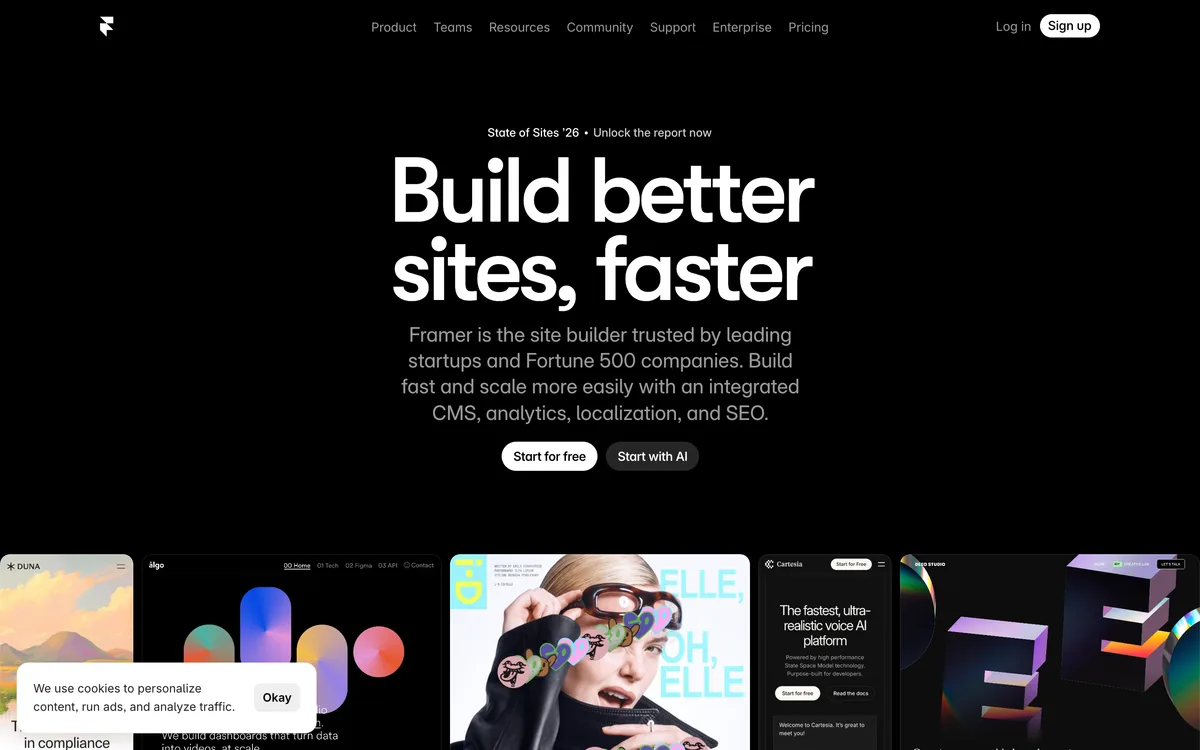
Framer's origin matters here. It started as a prototyping tool, then pivoted to a Figma-like website builder where designers drag and drop pixels with a mouse, then recently bolted AI generation on top of all that. The result is the most design-forward output in this entire list - if "looks beautiful" is the brief, Framer wins.
What that means in practice: Framer is genuinely the best at portfolio sites, landing pages, and design-led marketing sites where the visual is the whole point. Smooth animations are built in. Templates are stunning. Designers we know who use it love the drag-drop control over every pixel.
Where it falls down: it's still fundamentally a prototyping tool with AI bolted on, not an AI-first builder. The AI mostly helps with content and small structural choices - it doesn't behave like an agency that asks what you actually need. For anything beyond a beautiful single-purpose page (multi-page sites with real data, ecommerce, integrations, complex apps), you're outside its sweet spot. And anecdotally, even designers in our network are migrating to AI-first tools because the manual-design model feels slow against the new generation.
Verdict. Best in the list for designers making portfolios and visually-driven marketing pages. Wrong tool if you need a full site or you want the AI to do real product thinking.
Best for: Designers building portfolios and visually-driven landing pages. Starting price: $5/mo (annual) or $15/mo (monthly). Free tier: Yes, .framer.website subdomain, 1 site. Code export: No (proprietary).
Pros: stunning visual output · strong animation support · best-in-class for portfolios · drag-drop control for designers.
Cons: still fundamentally a prototyping tool with AI on top · AI doesn't structure or guide · no code export · expensive at scale (per-editor billing) · AI credit limit undisclosed on pricing page.
Durable - Mostly SEO Spam, Some Real Product Behind It
Overall score 4.8 / 10Ranked #10 by rubric
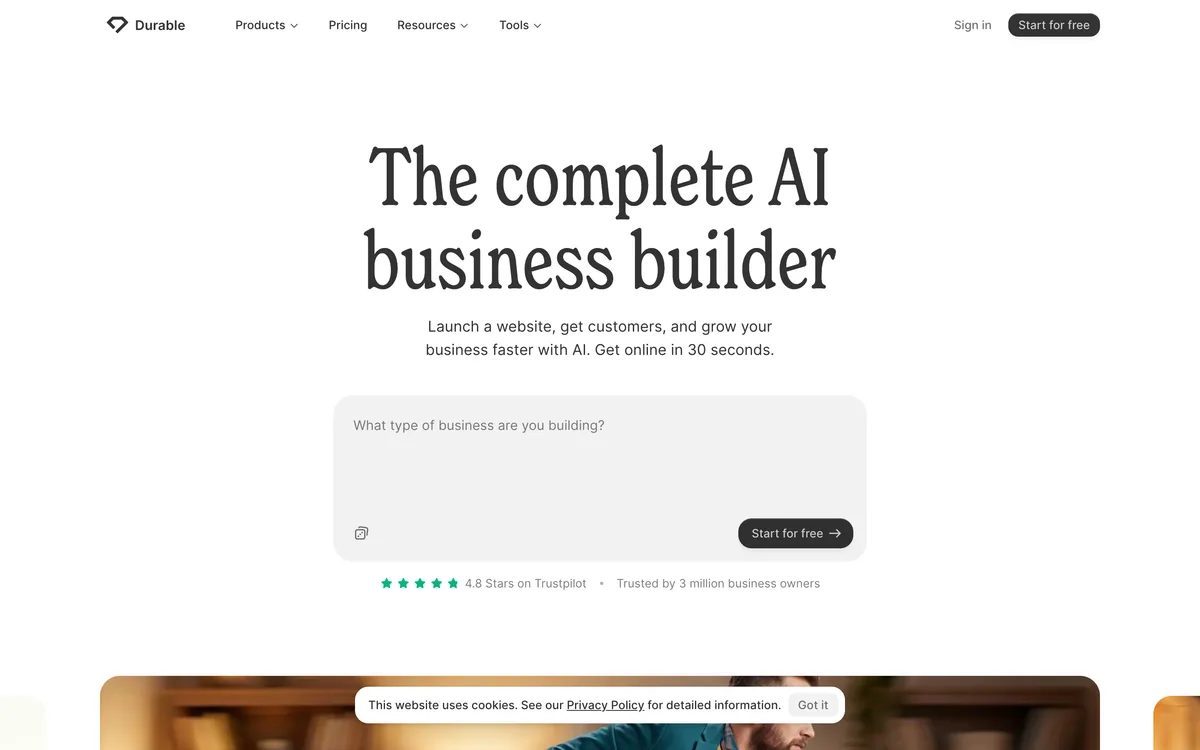
Durable's pitch is "your business website in 30 seconds." That's accurate as far as it goes - generate a small-business presence site from a description, with a domain and basic features bundled. The Trustpilot rating is high; the product does what it says for the local plumber / dentist / contractor / florist segment.
The bigger story with Durable is that they aggressively buy search traffic - they're one of the AI builders most active in spending huge amounts on SEO promotion, paid placement in listicles, and dishonest link-buying. So if you're seeing them everywhere in your "best AI website builder" research, that's not because the product is uniquely great. It's because they pay to be everywhere.
On the product itself: customization is very limited, output is generic across the user base (their sites look similar to each other), and you can't export the code. They make up for the limitations with bundled business features - a basic CRM, invoicing, marketing tools - which is a sensible move for the local-services audience that just wants one tool that does everything.
Credit math is actually clear by category standards: 50 AI images + 1,000 messages per month on the entry paid tier. Better disclosure than most peers.
Verdict. If you're a local-services business that wants a small, simple presence site plus basic CRM in one bundle and you don't care about differentiation, Durable does the job. The "SEO-rich-everywhere" vibe is paid placement, not product superiority.
Best for: Local-services businesses (plumbers, electricians, florists, dentists). Starting price: $15/mo annual / $25/mo monthly (Launch). Free tier: Yes, .durable.site subdomain. Code export: No.
Pros: incredibly fast onboarding · bundled CRM, invoicing, marketing tools · clearer credit disclosure than competitors · solid for the local-business use case.
Cons: very limited customization · generic output · no code export · heavily reliant on paid SEO to look popular · not the right pick beyond a basic 1-5 page presence site.
Wix AI - The Generalist Trying to Cover Everything
Overall score 4.6 / 10Ranked #11 by rubric
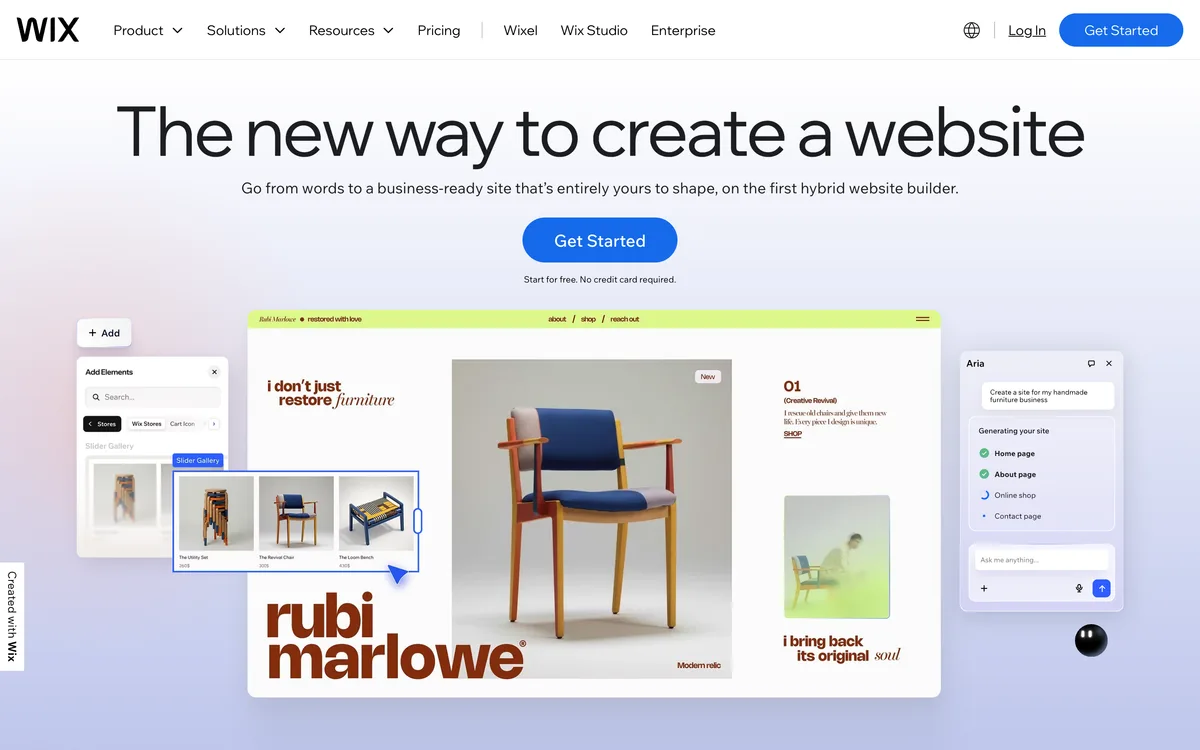
Wix is the everyone-everywhere site builder: every language, every industry, every business size. It's been around for nearly two decades, mostly as a template-driven small-business builder, and recently bolted AI generation on top. The AI version takes you through a questionnaire and produces a site in minutes.
What you should understand: Wix is not an AI-first product. It's a very-old site builder with AI grafted onto the front. Their actual expertise is in being the default mass-market option for small offline businesses (restaurants, salons, dentists, contractors) - simple presence sites that don't need to do much. The AI is mostly faster onboarding into the same Wix templates that have existed for years.
Where they win: massive brand recognition. Wix outspends nearly everyone in this category on marketing, including some aggressive SEO tactics (link buying, sponsored placements). If you've heard of one AI website builder, it's probably Wix - that's by design, not because the product is the strongest.
Where they fall down: results are noticeably generic. Designers and Reddit power users can spot a Wix site at a glance. No code export. Sites are slow. AI credit limits aren't disclosed anywhere on the pricing page - you find out by running out. Going beyond the initial generated site (editing, custom pages, performance, ranking in Google) gets harder fast.
Verdict. Defensible default for a small offline business that needs a basic presence site fast and isn't going to look closely. Bad fit if you want differentiation, ownership, or a site that scales.
Best for: Small offline businesses, restaurants, salons, local services. Starting price: $17/mo (Light). Free tier: Yes, wixsite.com subdomain with Wix ads. Code export: No (locked to Wix).
Pros: beginner-friendly questionnaire onboarding · large template library · all-in-one (builder + domain + email + ecommerce) · 1yr free domain with annual plan · massive brand recognition.
Cons: AI is bolt-on, not core · generic templated output · no code export · sites can be slow · undisclosed AI credit limit · domain free for year 1 only, then $15+/yr.
GoDaddy Airo - Bundled With Your Domain
Overall score 4.0 / 10Ranked #12 by rubric
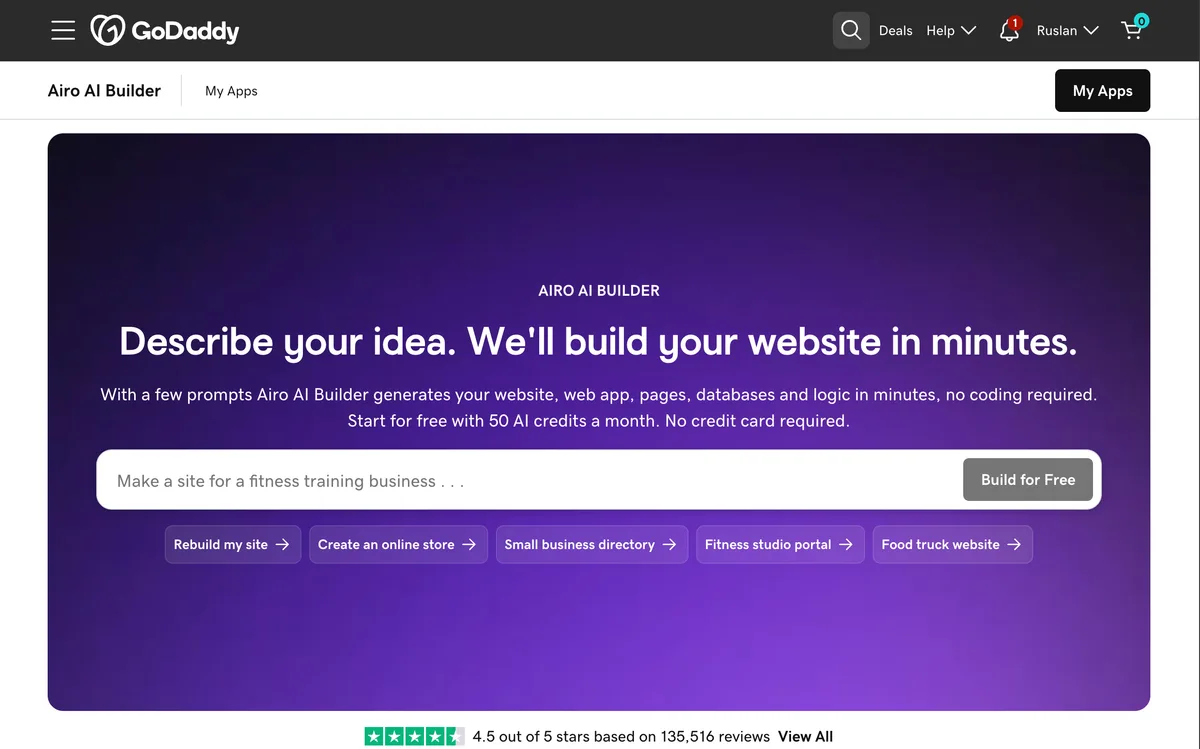
GoDaddy Airo is GoDaddy's AI website builder, bundled with most domain registrations and hosting plans. If you already bought a domain through GoDaddy, Airo is the path of least resistance to getting something live - a few prompts, a few minutes, a website exists.
Strength: the lowest-effort start in this list. Domain, builder, basic SEO, social posts, logo, and email all in one account. For someone who just wants a site to exist without any thinking, it works.
Weakness: the output is cookie-cutter, even more so than Squarespace or Wix. Design quality is the weakest in this comparison. The upsell pressure inside the GoDaddy dashboard is constant and aggressive. Migrating off GoDaddy later is friction-heavy by design.
Verdict. Only worth it if you already own a GoDaddy domain and refuse to learn another tool. For anyone starting fresh, almost any other builder in this list is a better choice.
Best for: People who already own a GoDaddy domain. Starting price: Free with most GoDaddy plans; ~$10/mo standalone. Free tier: Effectively (bundled with $12/yr domain). Code export: No.
Pros: lowest-effort start · domain + builder + email bundled · marketing tools included.
Cons: cookie-cutter design · weakest output quality in this list · constant upsell pressure · ecosystem lock-in.
Hostinger AI - The $3/Month Option
Overall score 3.5 / 10Ranked #13 by rubric
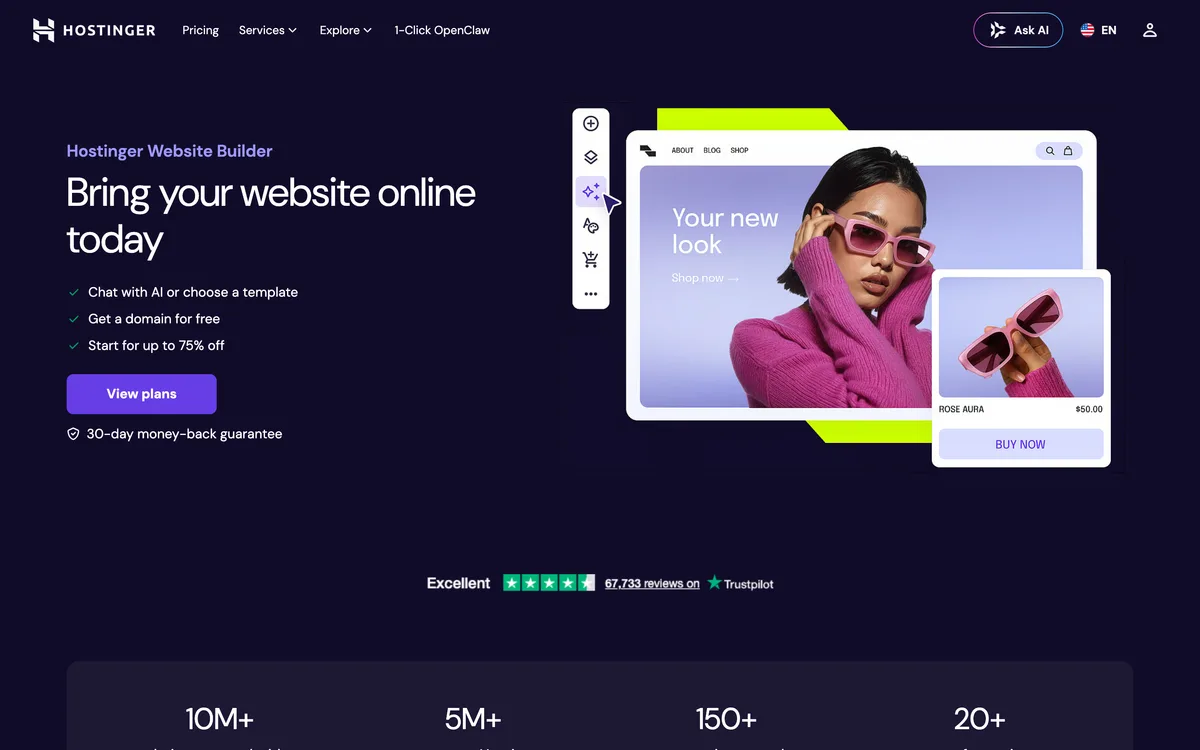
Hostinger is primarily a hosting company; the AI website builder is a feature bundled with their hosting plans. The result is the cheapest credible option in this list - a basic website with domain and hosting from around $3/month if you commit for three years.
What works: the price point is genuinely hard to beat, onboarding is fast, and the bundle (builder + hosting + domain + email) means you don't shop for components separately. For a local plumber or photographer who needs a presence but doesn't have time to learn anything, it does the job.
What doesn't: the AI output is templated and generic. You can tell a Hostinger-AI site at a glance. Customization is shallow. And the promotional pricing is for the first term only; renewals at standard rates can be 3-4x the initial cost.
Verdict. Pick this if budget is the only thing that matters. Don't pick it if you care how your site looks against competitors.
Best for: Cost-conscious solopreneurs and local businesses. Starting price: $2.99/mo (3-year), ~$12/mo monthly. Free tier: No (30-day money back). Code export: No.
Pros: cheapest credible option · easy onboarding · hosting + domain bundled · solid uptime.
Cons: generic templated output · shallow customization · prices jump at renewal · less premium feel than competitors.
Frequently asked questions
What is the best AI website builder in 2026?
There isn't one universal "best". The right choice depends on what you're building. For a real production site (with database, payments, SEO, and real flexibility), Playcode is the most capable. For visual-only designer work, Framer. For a simple local-business presence site, Wix AI or Durable. The article above maps each builder to the use case it actually fits.
Will my AI-generated website actually rank in Google?
This is the question most AI builders quietly avoid. Most generate single-page applications that Google has trouble crawling, meaning the site you built may never appear in search results, no matter how good the content is. The exceptions in this list: Playcode (SEO-friendly server-rendered output by default), Webflow (clean HTML/CSS, ranks well), 10Web (it's WordPress, so it ranks like WordPress), and Lovable (added SEO support in a recent release). Everyone else makes you find out the hard way.
How does AI-credit pricing actually work? Why isn't it on the pricing pages?
Every AI website builder charges you in some unit of AI usage: credits, messages, or tokens. Most don't disclose how many you get per month on their pricing page. You discover the limit only after you've subscribed and started running out. The exceptions in this list (Playcode, Durable, Replit) publish the math up front. The article's comparison table flags which builders hide the credit math and which surface it.
Can I export my site if I switch builders later?
Depends on the builder. Code export is available with Playcode, Webflow, Lovable (via GitHub), Bolt.new (via Stackblitz), 10Web (it's WordPress), and Replit. The rest (Wix, Squarespace, Durable, Hostinger AI, Carrd, GoDaddy Airo, Framer) lock you to their platform. You can leave but you start over. This is the row in the comparison table you should care about.
Which AI website builder is best for beginners?
For absolute beginners with no business goal beyond "I need a website to exist": Wix AI or Durable. They handle everything for you and the output is fine for a basic presence site. For beginners who want their site to actually grow into a real business: Playcode. The senior-agency flow guides you through decisions without assuming you already know the answers.
About the author
Ruslan Ianberdin is the founder of Playcode. He's been building developer tools and AI-powered website tooling since 2016, when Playcode launched as a JavaScript playground that has since grown into a full AI website builder serving 1.1M+ users and powering 26M+ projects shipped. He has personally used 9 of the 13 builders in this guide, reviewed current pricing and feature data for the remaining 4, and maintains this guide on a quarterly cadence.
Disclosure: Playcode is one of the 13 builders covered. Rankings are determined by the transparent 11-criterion rubric explained above - same weights and scoring methodology applied to every product. Where competitors beat us on a criterion, we say so. We do not accept payment from any builder for inclusion or placement.
Ready to try the #1 pick? Playcode's AI guides you from idea to published website. Start building - no credit card required.